1. Hit the Win+R keys together to open the run dialog
2. Type gpedit.msc to open the local groups policy
editor
3. Expand ‘Administrative Templates’ (it’s under ‘User Configuration’)
4. Expand ‘System’. Click ‘driver Installation’
5. In the right panel, double click on ‘Code Signing for Device Drivers’
6. Choose ‘Enabled’ in the window that appears.
7. In the underlying options, choose ‘Ignore’
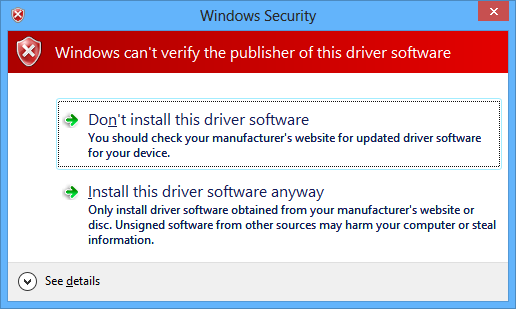
8. This disables drivers signing in Windows 7, and now you can install unsigned drivers in Windows 7.
9. Click Apply, OK. Restart your computer to install
unsigned drivers
 TweakTech